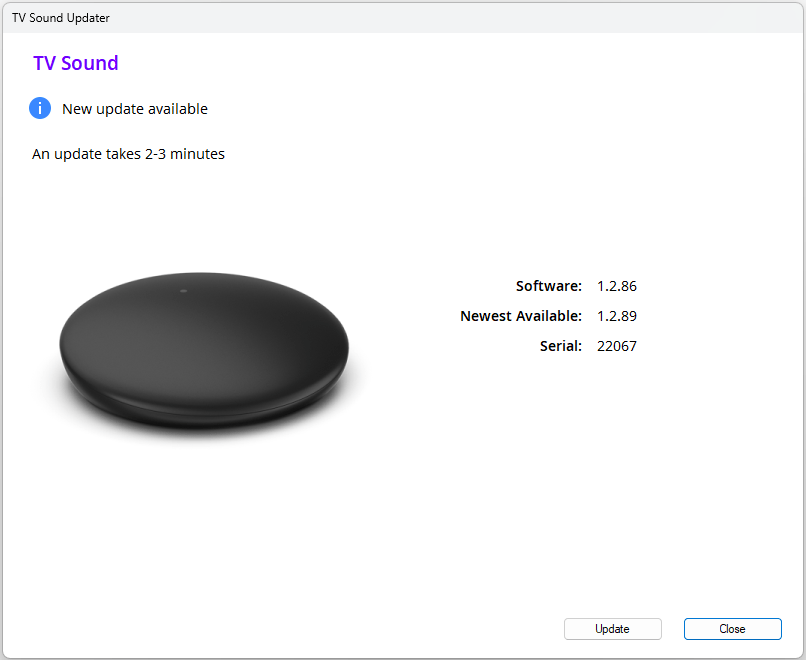
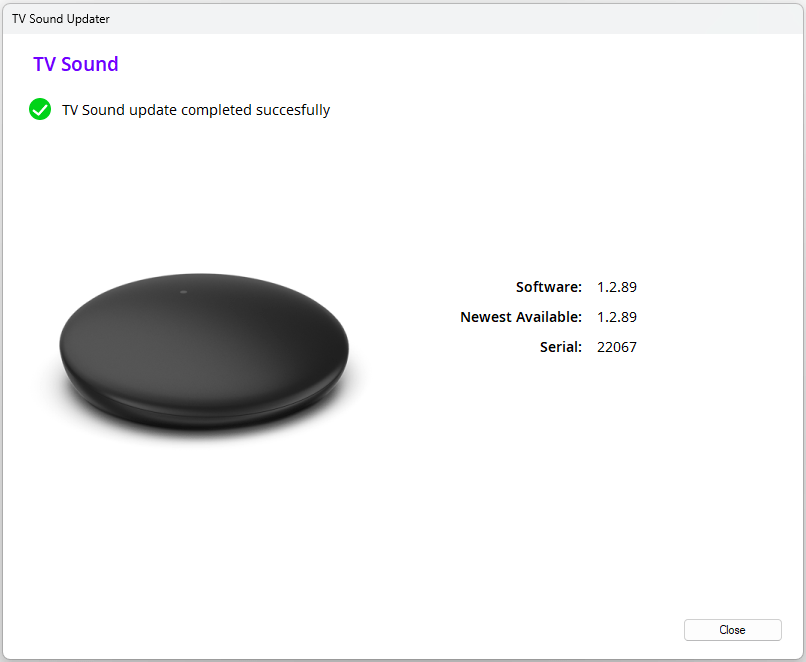
This Windows PC application enables firmware updates in the case your TV Sound streamer needs troubleshooting.
The firmware updater can be used on computers with Widows.
This Windows PC application enables firmware updates in the case your TV Sound streamer needs troubleshooting.
The firmware updater can be used on computers with Widows.
Click on the download button below to start the installation.
Depending on which computer setup is used, you will either go directly to the installation program, or the PC browser will download the file and then you have to click on “Open file”.
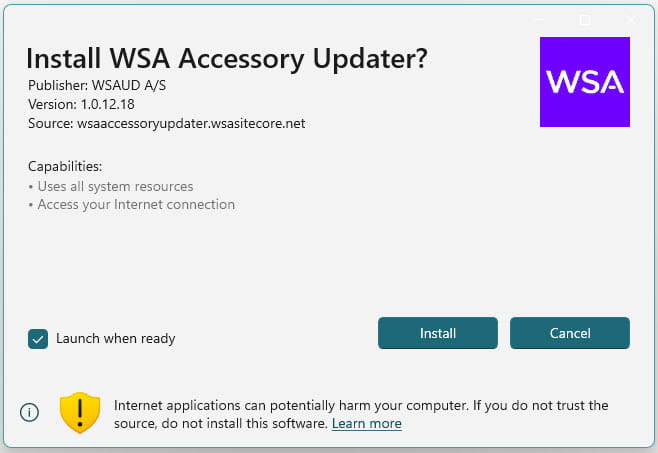
Click on "Install".
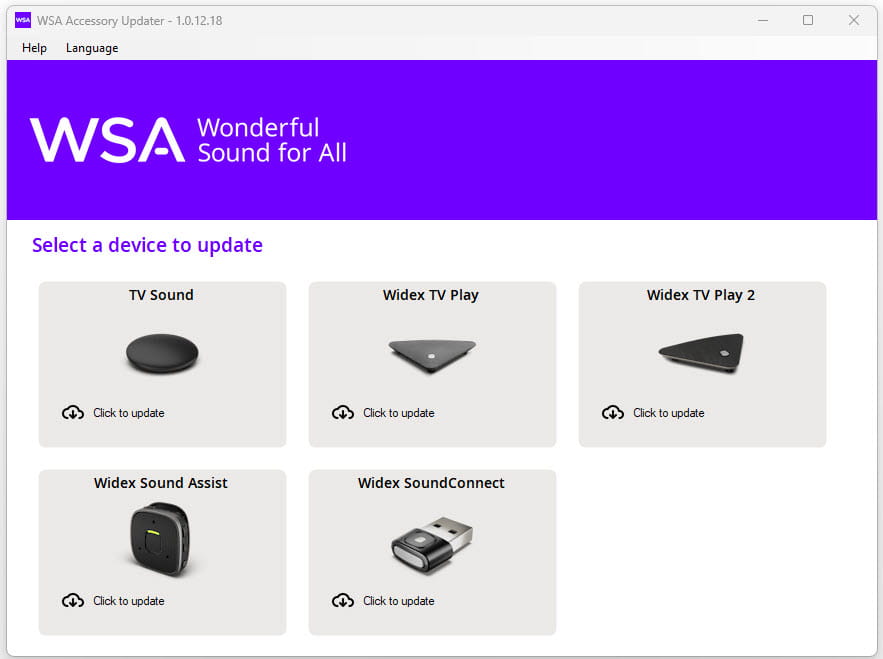
Select "TV Sound".
In this step you also can select a different language.
Now you need to connect your TV Sound device with your Windows PC. Use for this the Micro USB cable that you received with your TV Sound.
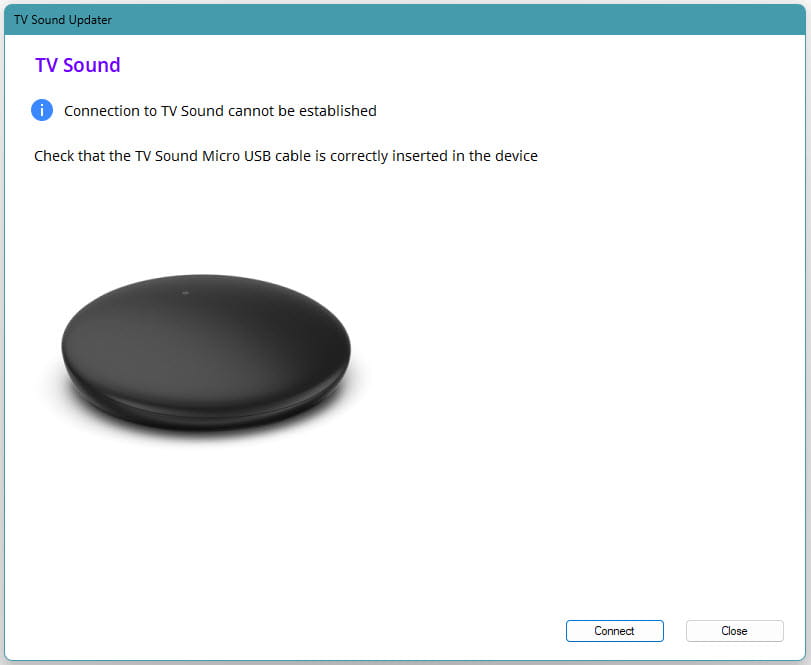
When the devices are connected with the Micro USB cable, click on "Connect".
If the connection to TV Sound cannot be established, check if the USB cable connection is correct.
Click on "Update".
The update will take only a few minutes.